Dashboard Access
How to Login to the Dashboard
Before using the dashboard features, users must log in through the following page: https://dashboard.usetada.com/login
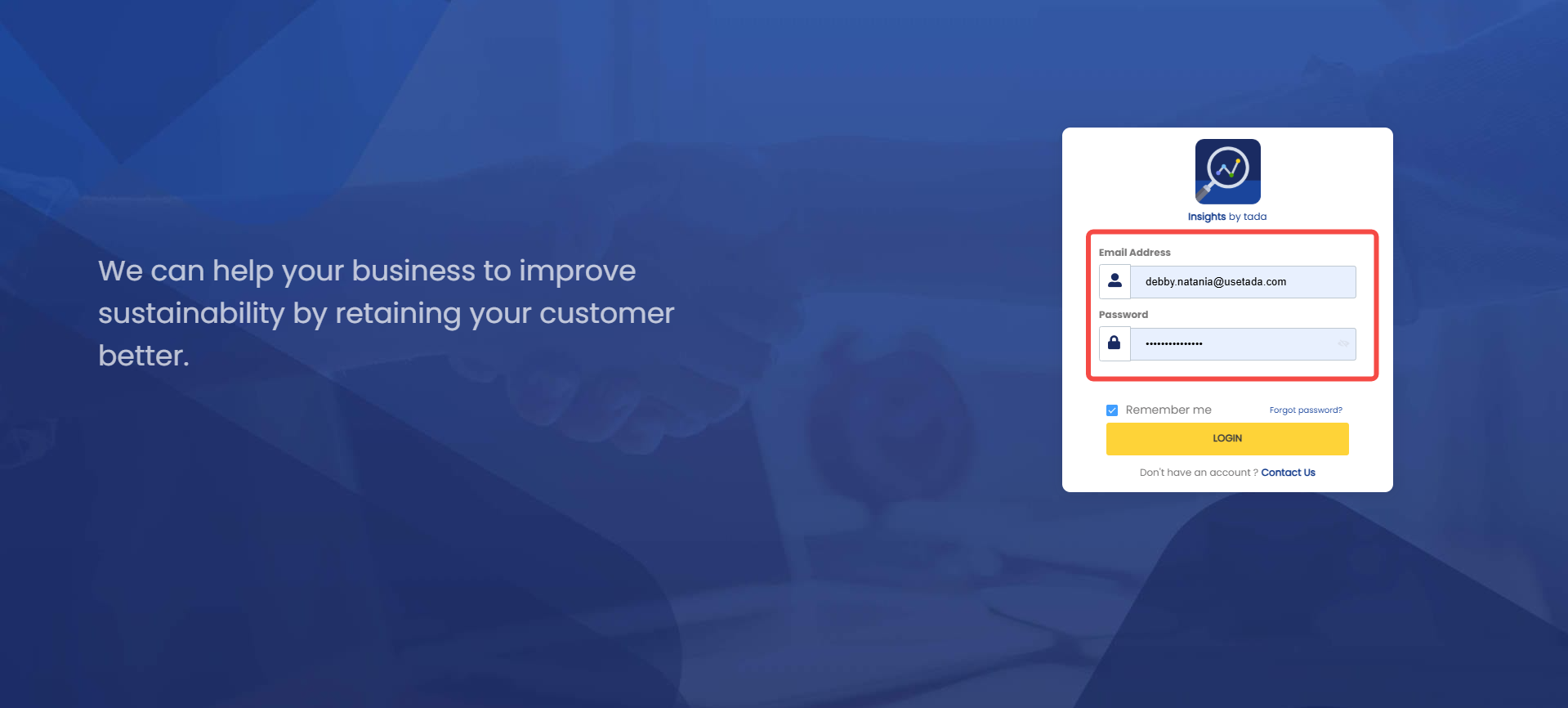
- Enter your email address and password.
Your login credentials will be sent to the registered email address used to access the dashboard.
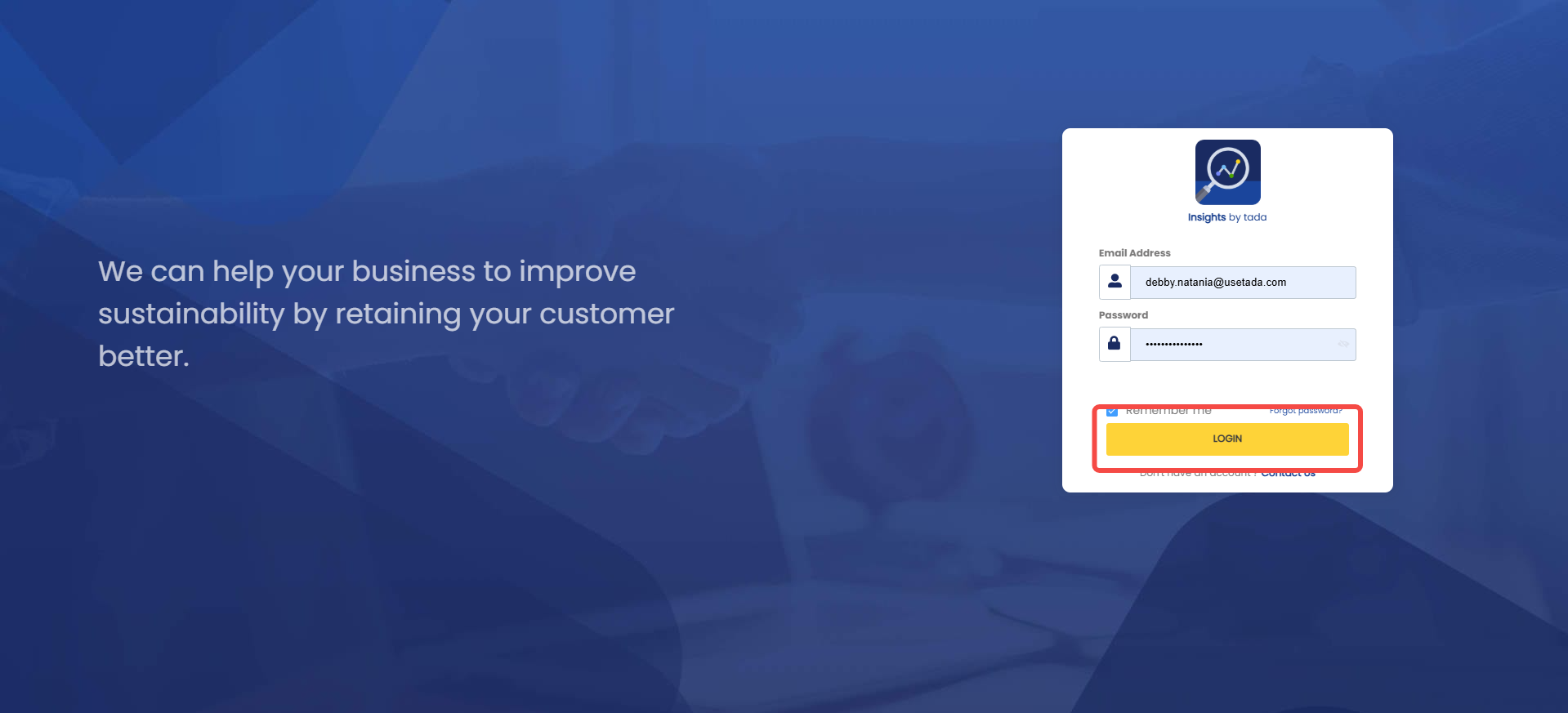
 2. Click “Login”
How to Reset Your Password
The reset password feature can be used if users forget their dashboard account password. After the password has been successfully updated, users can log back in using the new password.
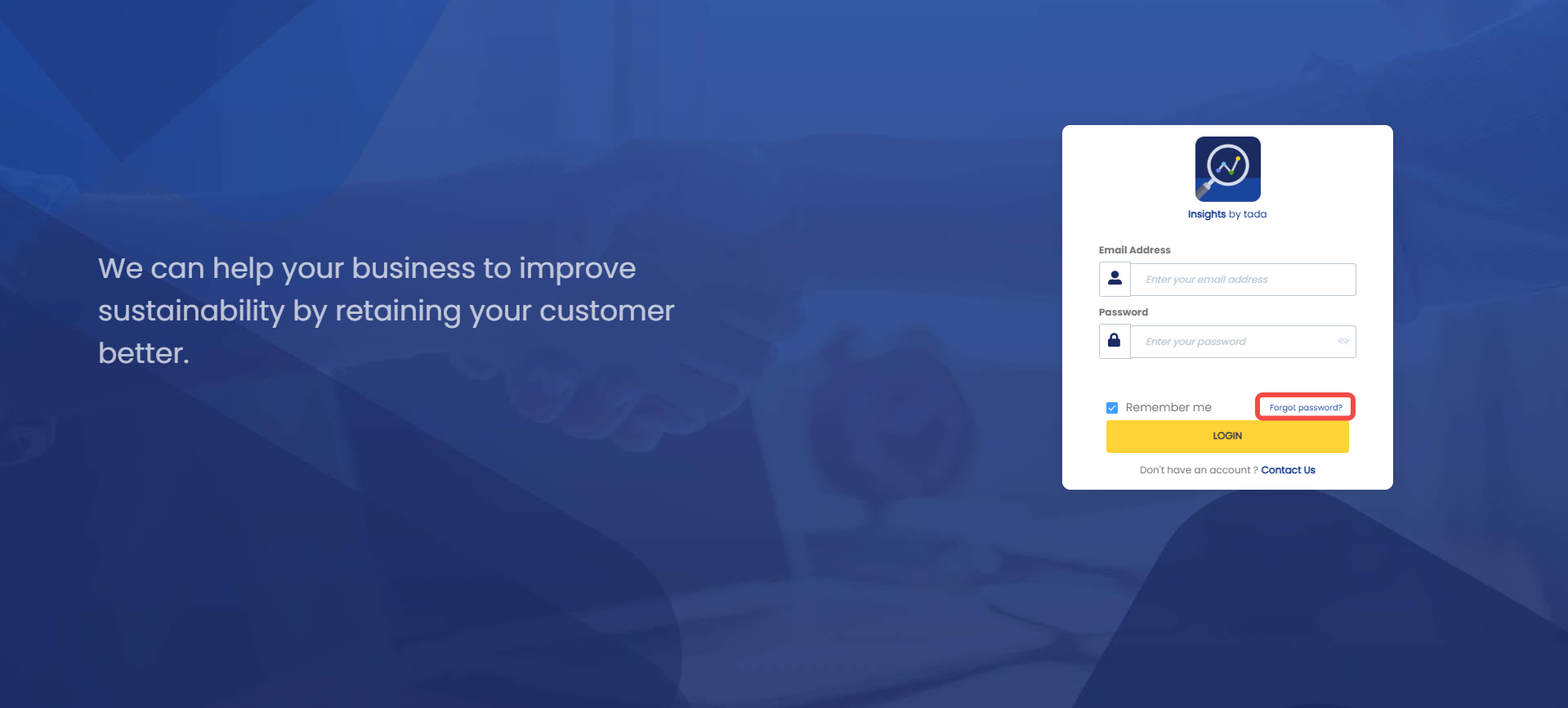
- Click “Forgot password”
 2. Enter the email address that already has dashboard access, then click “Request reset password”.
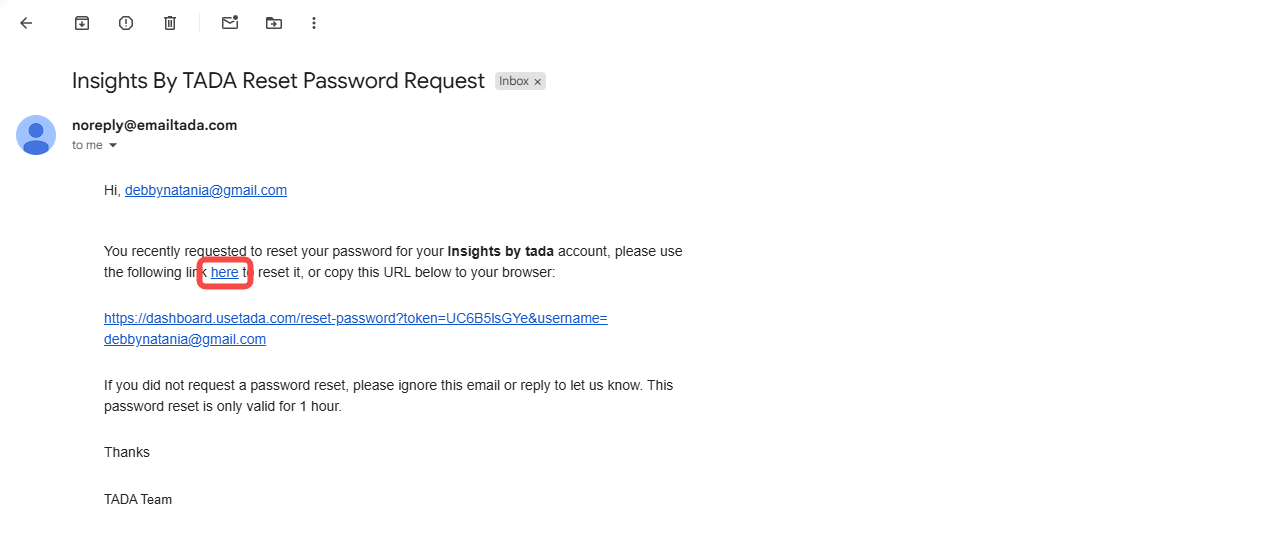
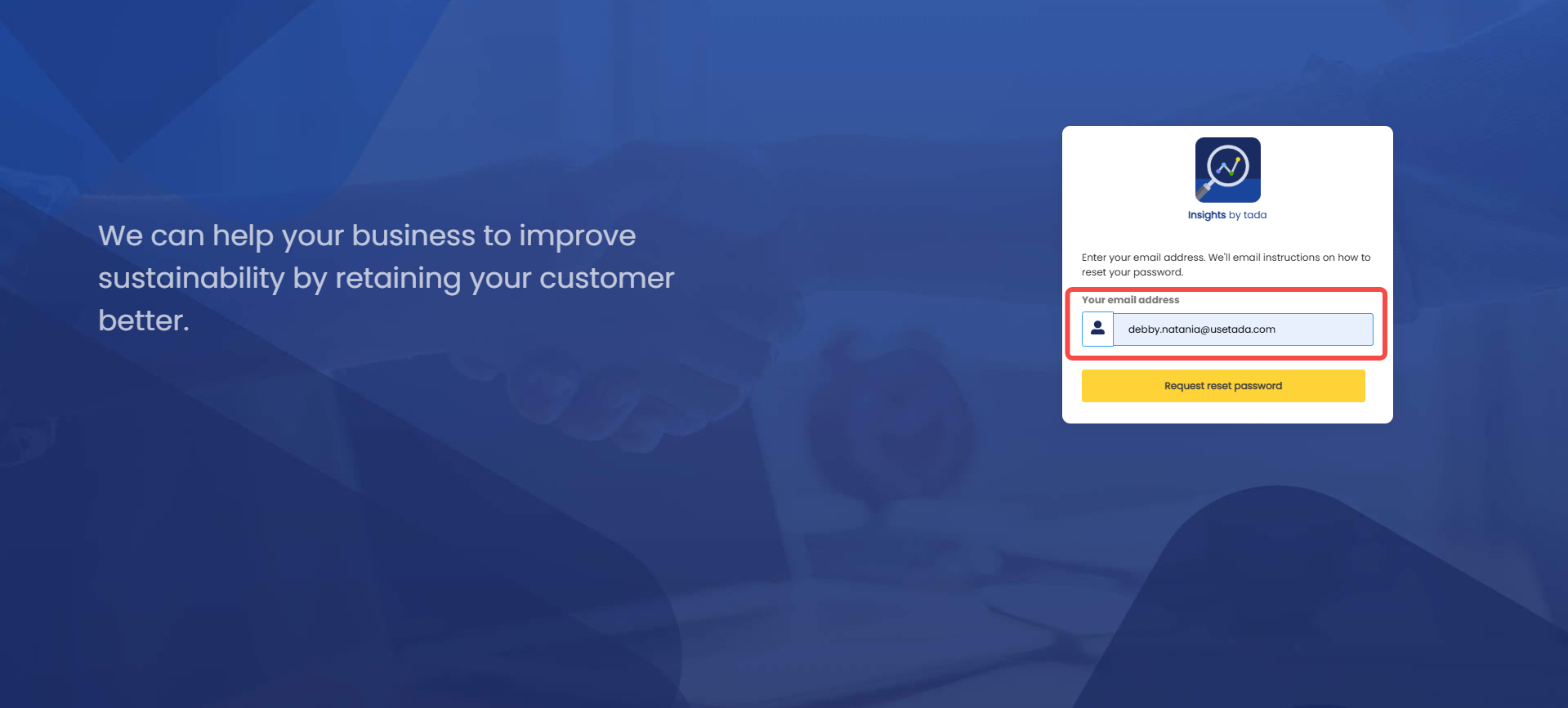 3. Open your email inbox and look for an email with the subject “Insights By TADA Reset Password Request”
 4. Click “Here”, and you will be redirected to the dashboard page to create a new password.
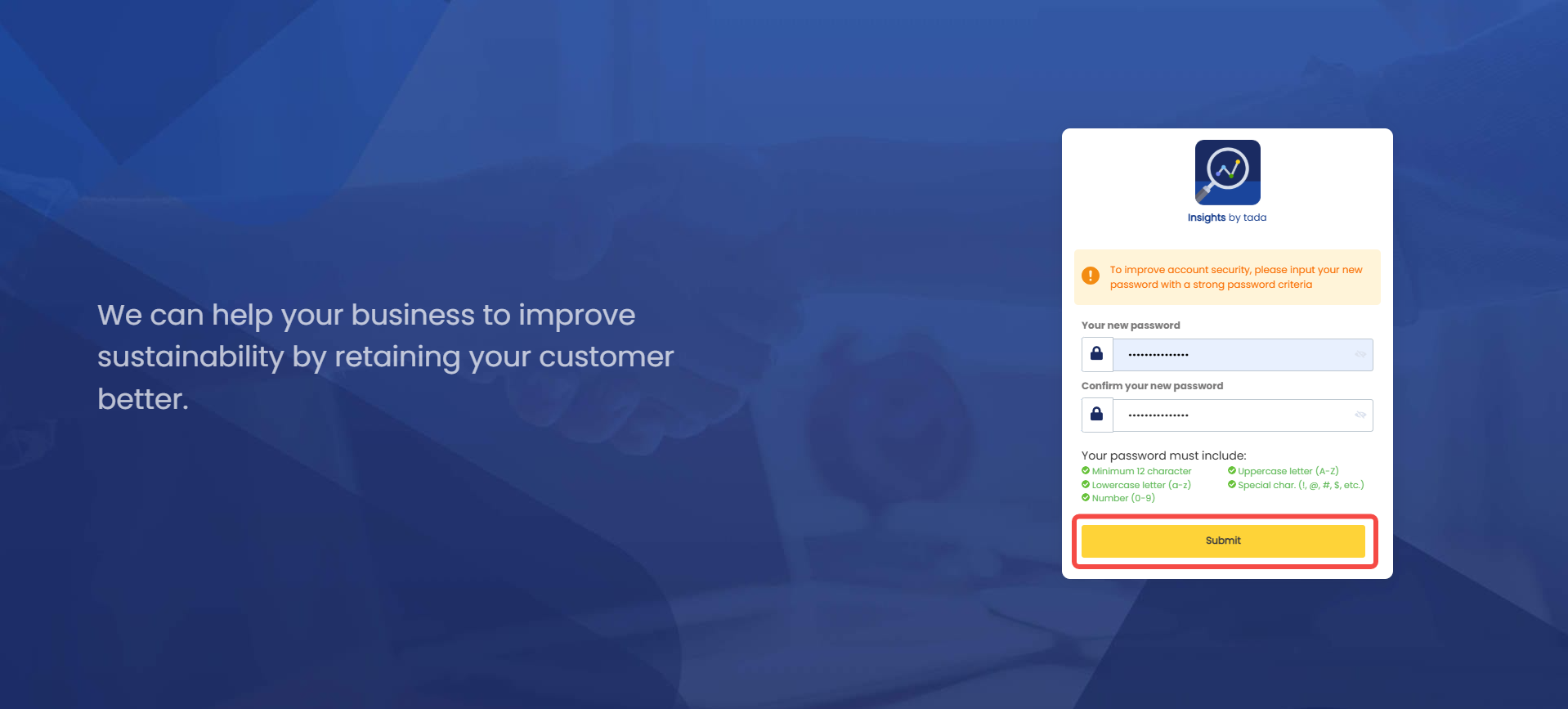
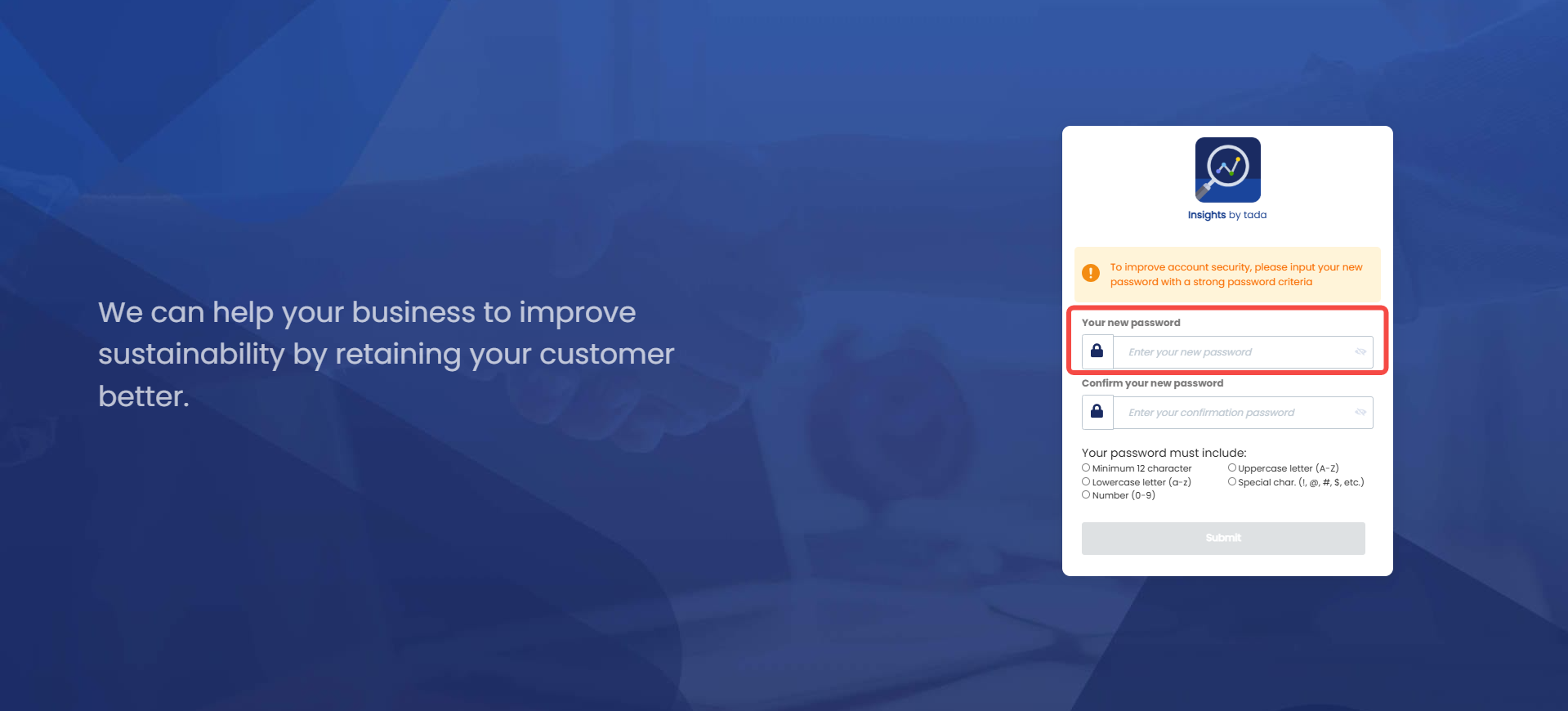
 5. Enter your new password in the “Your new password” field.
 6. Re-enter the same password in the “Confirm your new password” field to avoid typing errors.
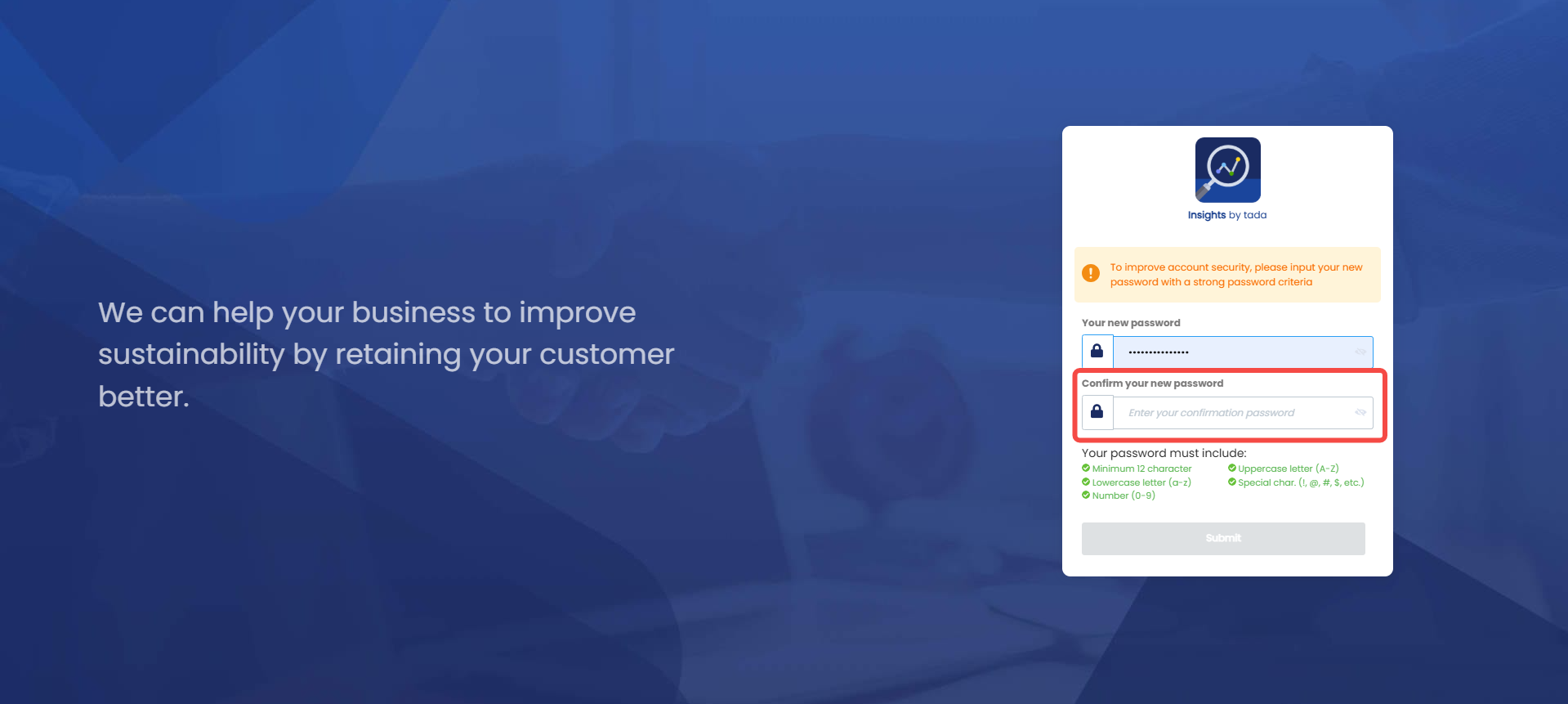 7. Click “Submit”