
Module 33
Lock Account Center
The Lock Account Center menu is used to unlock user accounts that have been locked due to exceeding the maximum number of failed attempts for OTP verification, PIN validation, or QR code scanning.
To access this menu, users must first contact the Tada Internal Team to request the necessary access.
How to Unlock Member
1. Navigate to the Lock Account Center menu.
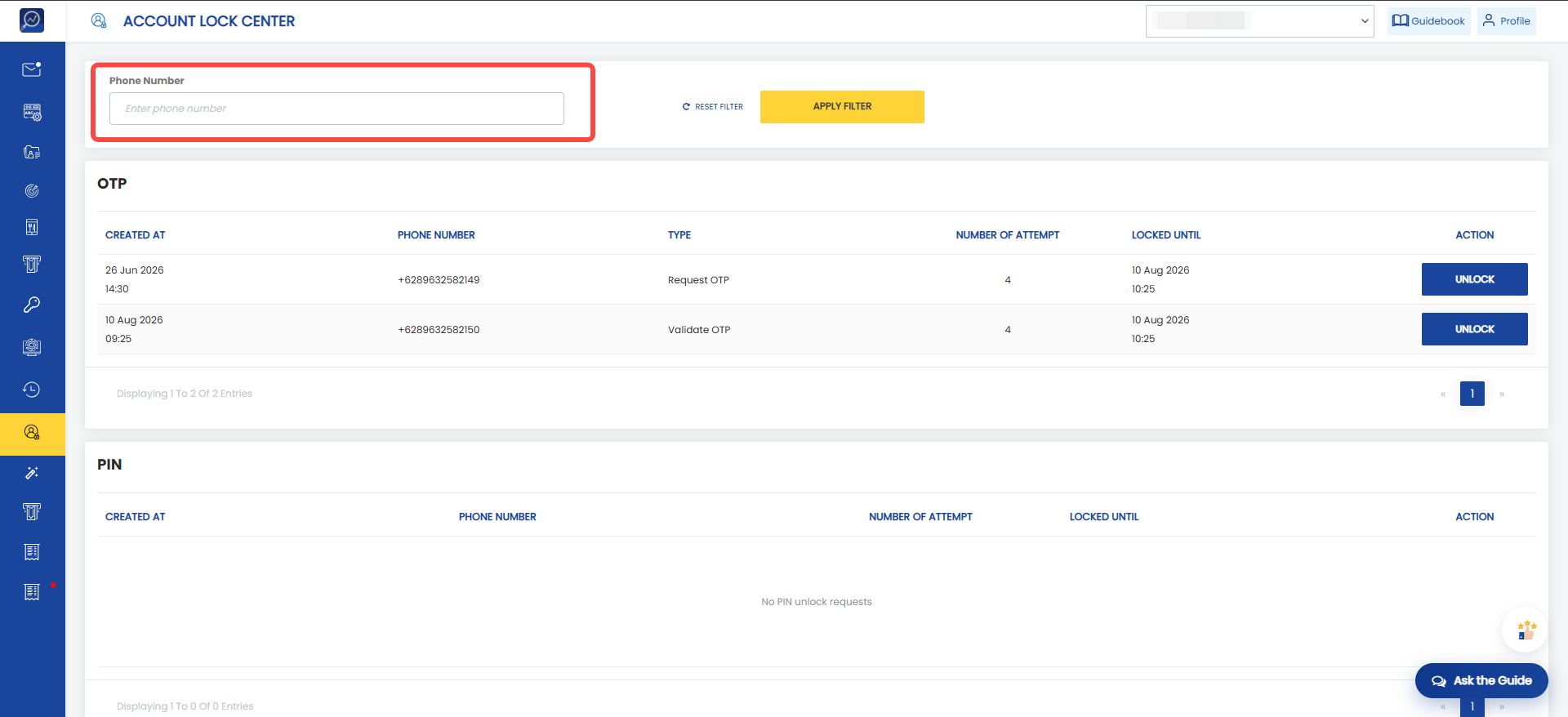
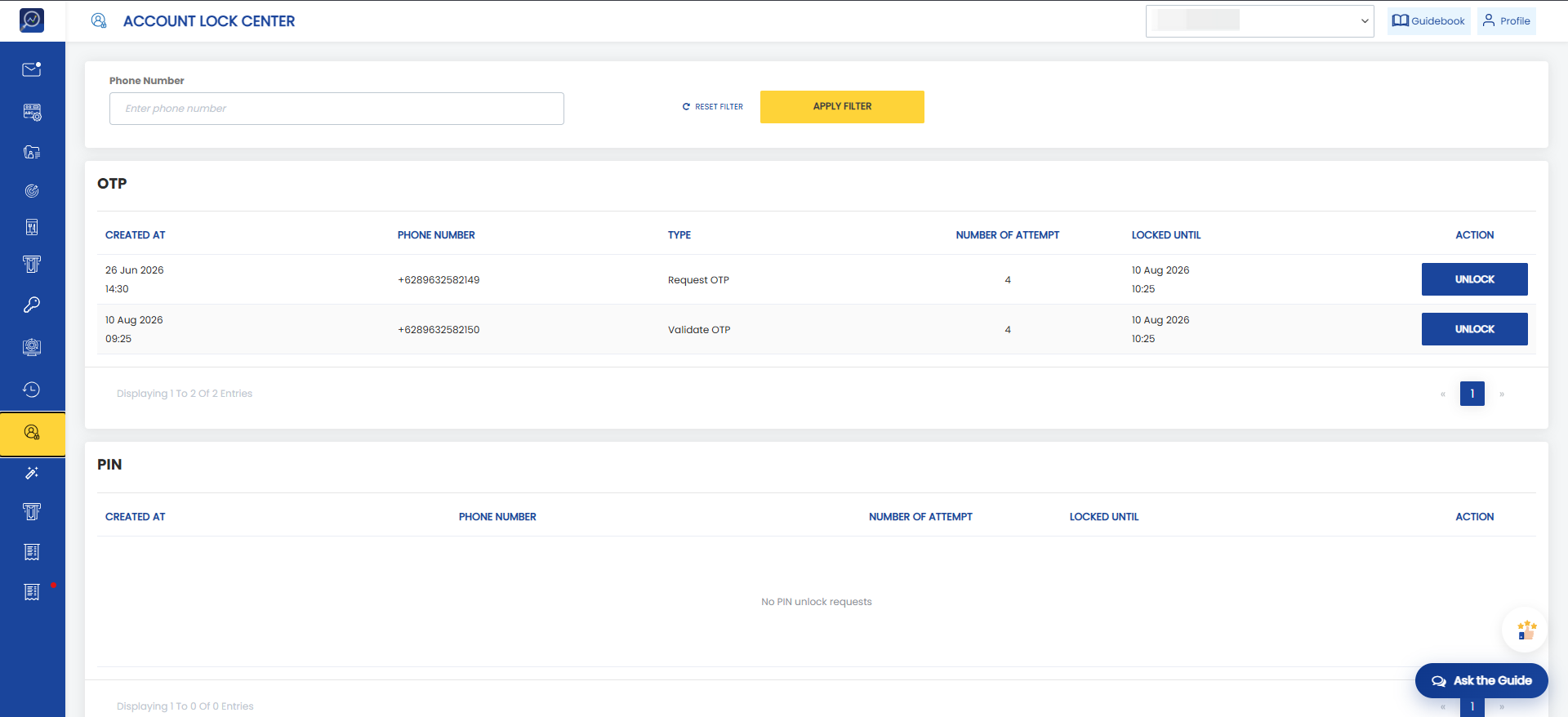 2. Search for the locked user's primary identifier (e.g., phone number). The search will look for the identifier across all lock categories, including OTP, PIN, and QR Scan.
 3. Click Unlock.
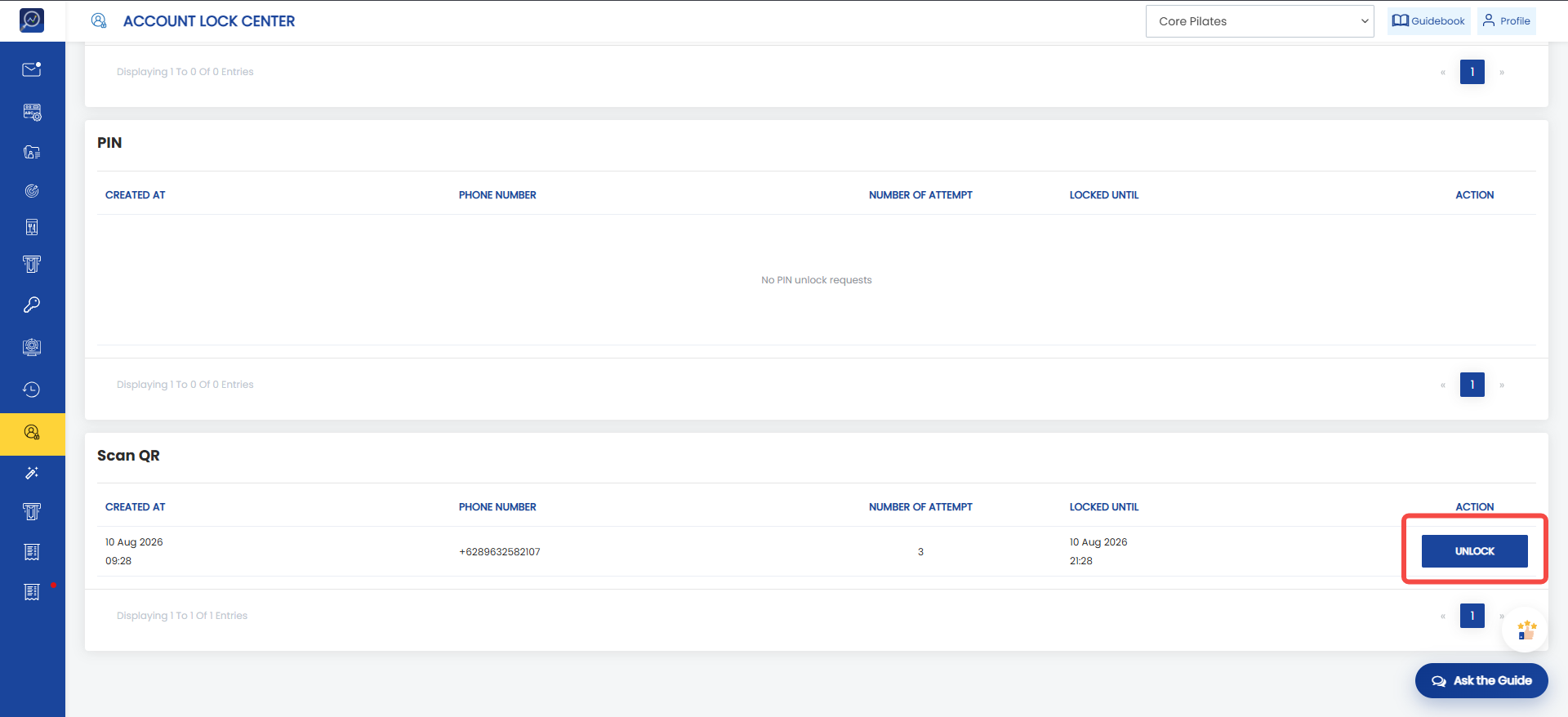 4. The user will be successfully unlocked.